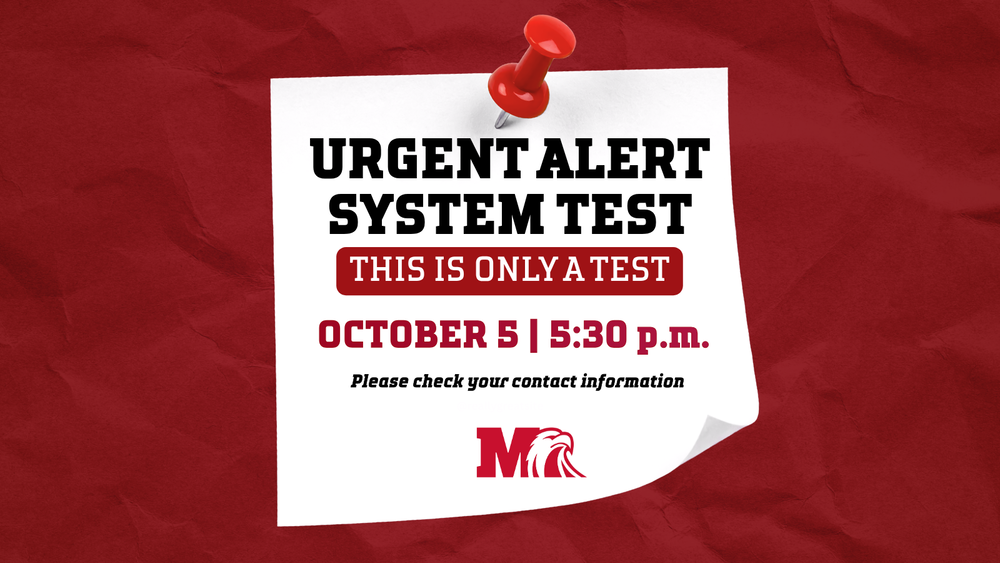
Milford Schools will test our urgent alert system on Monday, October 5, 2026, at 5:30 p.m. Families and staff will receive a phone call, text message and email through SchoolMessenger.
SchoolMessenger uses the contact information families provide in PowerSchool. Families can review their information by signing in through a web browser or the PowerSchool app.
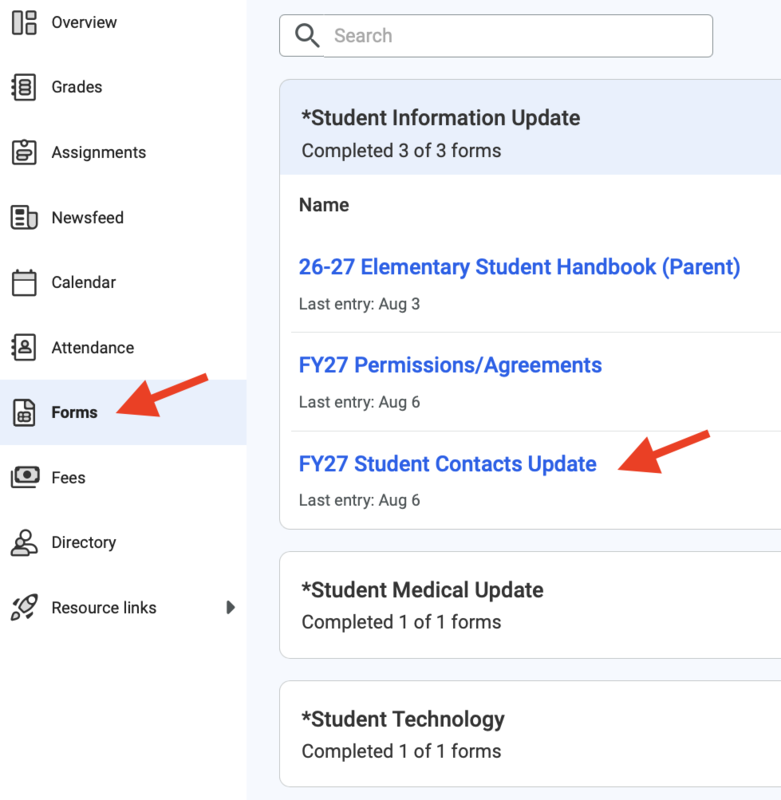
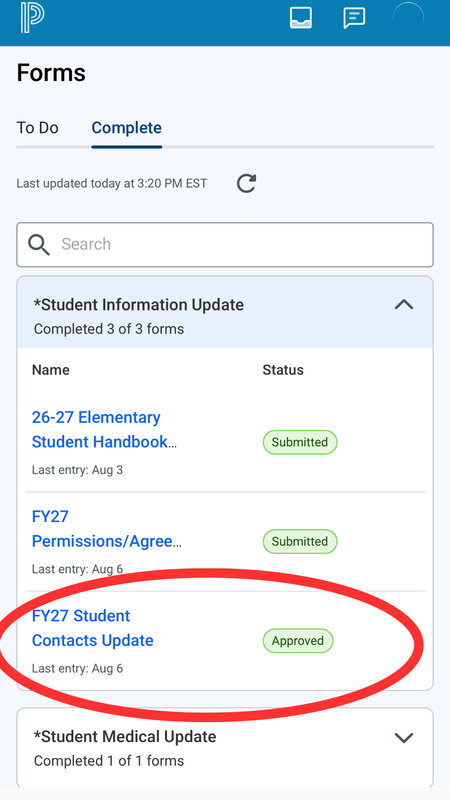
The information used for SchoolMessenger is listed in the FY27 Student Contacts Update form. If you have already completed the form this school year, it may appear under Completed. Otherwise, look for it under To Do.
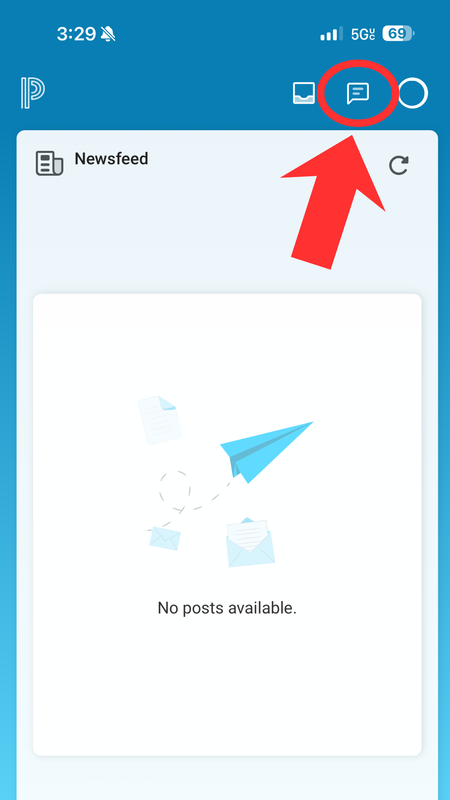
You can edit the form at any time during the year if your contact information changes. The screenshot below shows where to find it:
WEB BROWSER
MOBILE APP
Why You May Not Receive an Alert
If you do not receive one or more parts of the test, possible reasons may include:
You previously unsubscribed from SchoolMessenger messages.
A SchoolMessenger email was marked as spam.
Your phone number or email address is incorrect or outdated in PowerSchool.
Need Help?
If you believe your information is correct but you are still experiencing communication issues, please complete the PowerSchool Parent Help Request Form below and type: Urgent Alert Contact Update.
https://docs.google.com/forms/d/e/1FAIpQLSc2jTuqnwy5IbSFUi0SdYGKdqVdzpTXq_MQ_mnWmM0lIpW8fQ/viewform
When completing the form, please provide the email address and/or phone number you believe should be receiving District communications.
You may also contact us at contactmilford@milfordschools.org for additional assistance.
Additional Resources
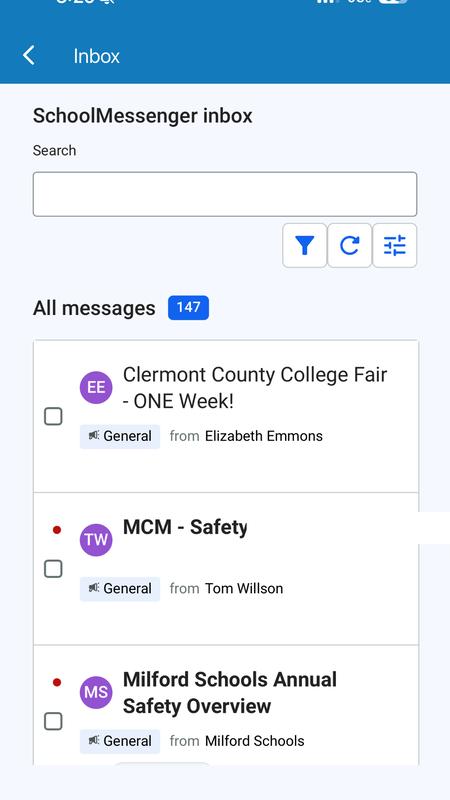
In the PowerSchool mobile app, you can also find these alerts and other messages by tapping the mailbox icon in the upper-right corner to open your inbox.